
 Log In
 Register


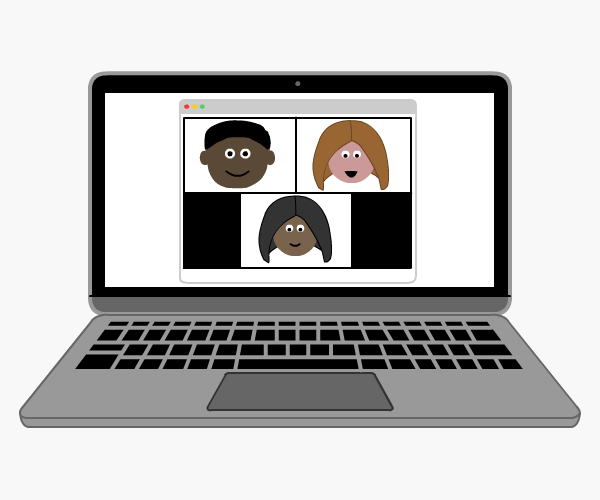
Safer Internet Day is organised in the UK by the UK Safer Internet Centre. The theme for 2014 is: ‘Let’s create a better internet together’.
Online Behaviour and Activities
The internet is a valuable tool, and young people need to be taught how to use it wisely so that they stay safe. There are lots of things parents and teachers can do to ensure young people are safe online.
Cyberbullying
Make sure young people know what to do about cyberbullying. Have a talk with them about this issue and tell them what to do if they or someone they know is being bullied online. They need to know who they can report the issue to and they also need to know that their concerns will be taken seriously.
Respect for Others
People say things to others online that they wouldn’t dream of saying face to face. It is vital that you speak to young people about the need for respect for others online. It is just as important to respect others online as it is to show respect offline. Before posting anything or sending a text or email, they need to think carefully about the effect their message will have on others.
Online Privacy
Talk to them about their own personal information. Do they know how to protect their data? Are they aware of the dangers of sharing confidential information with people they do not know? They need to think carefully before sharing information with others, particularly people they do not know well or do not know at all!
As well as information, they should take care when sharing photographs. Once a photograph is out there in the ‘virtual world’, anyone can get hold of it and do what they want with it. Many social media sites have privacy settings which they can use to specify who can see their information. They can also block people and, if they feel someone is behaving inappropriately or threateningly, they can report them to the website.
Young people need to take particular care using chat apps and online games. Most people use aliases and not their real names, and they may say things that they would not normally be able to get away with if they signed in as themselves. Many chat rooms are full of vulgar language and spiteful messages and if a young person feels uncomfortable they should leave the room and avoid it in future.
Parents and teachers also need to take steps to prevent young people seeing inappropriate content online. There are a number of parental controls and filtering devices that can be used on school or home computers and also those that can be used on portable internet enabled devices.
Internet Safety Resources
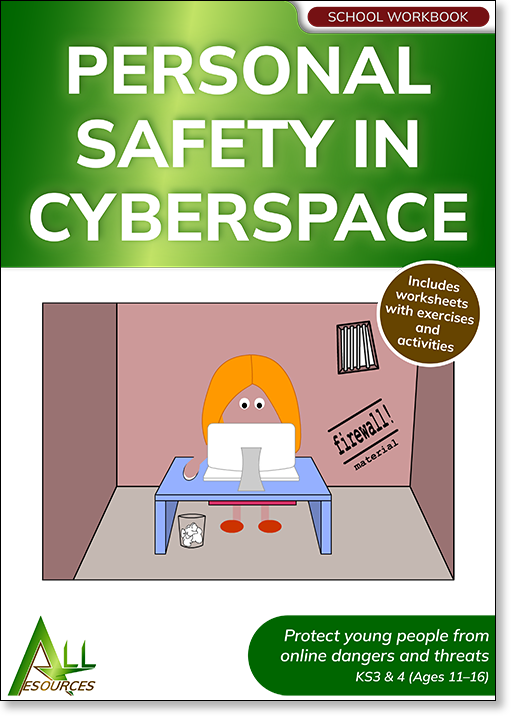
Personal Safety in Cyberspace
This pack looks at the dangers of online grooming, malicious software, webcams, cyberbullying and scams.
- Age range: 12 years and upwards
- Category: Schools
- Published: 1999
- Last revised: 2023
- Pages: 73
Internet Safety Lesson Plans
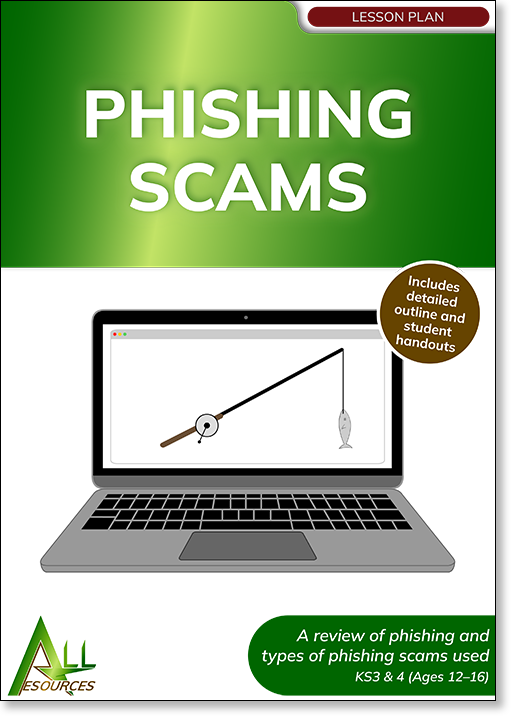
Phishing Scams
A lesson plan on phishing and the different types of phishing scams used online.
- Age range: 12 years and upwards
- Category: Schools
- Published: 2021
- Last revised: 2022
- Pages: 15
Safety in Cyberspace
This lesson plan examines the dangers of the internet and how to stay safe on the web.
- Age range: 12 years and upwards
- Category: Schools
- Published: 2019
- Last revised: 2022
- Pages: 14